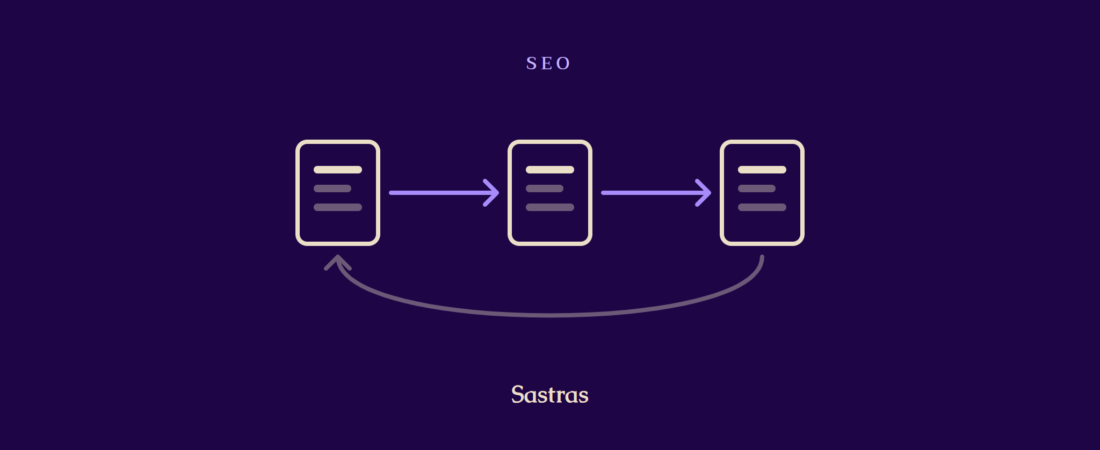
If I could do only one piece of SEO work on a blog, I would link my posts to each other. It is free, it is fully in my control, and most small blogs barely do it. This post explains why it works and how I handle it.
What an internal link is
An internal link goes from one page on my site to another page on my site. A link to someone else’s site is an external link.
Internal links do two jobs. They help a reader find the next useful post. They also help a search engine discover my pages and understand how they relate.
Why it helps readers
A person who finishes a post has a choice. Leave, or read something else. A good link at the right moment makes the second choice easy.
I place links where a reader would naturally want more. If I mention keyword research in a post about choosing topics, that is the place to link my keyword post. The link answers a question the reader already has.
Why it helps search
Search engines find pages by following links. A post that nothing links to is hard to find and looks unimportant.
The words in the link matter as well. They tell the search engine what the linked page is about. “Click here” says nothing. “My checklist for editing an AI draft” says a lot.
My rules for linking
I keep the rules simple so I actually follow them:
- Every new post links to two or three older posts.
- Every new post gets at least one link from an older post.
- The link text describes the page it leads to.
- I only link when the other post truly helps at that point.
The second rule is the one people forget. After I publish, I go back to one or two older posts and add a link to the new one. Otherwise the new post has no way in.
Do not overdo it
A paragraph full of links is hard to read. The reader cannot tell which one matters.
I stay under five internal links in a normal post. If I have more candidates than that, I keep the most relevant and drop the rest.
Finding the dead ends
Over time some posts end up with no links pointing to them. I call these dead ends.
Once in a while I list my posts and count the links to each. Any post with none gets a link from a related one. This is slow by hand on a large site. It is one of the jobs I am glad to give to software. Sastras suggests internal links with every draft and I switch each one on or off.
What I would do first
Open your newest post and add links to two older posts that fit. Then open one older post and link it to the new one. Three links, ten minutes, and your newest post is no longer alone.